Free · No sign-up · Private
Device mockups and product videos, free.
Shotframe turns a screenshot or screen recording into a polished iPhone, iPad, Mac, Apple Watch, Android or browser mockup, as an image or an animated video. It is free, needs no account, and your images never leave your browser.
Everything a launch needs, in one tab
From a single App Store screenshot to a 30-second promo with 31 animated templates to start from.
Real 3D devices
Every current iPhone, iPad, MacBook, iMac, Studio Display and Apple Watch as a 3D model, in the finishes Apple sells, plus flat 2D frames, browser windows and Android phones.
Animated videos
Camera moves, zooms and tilts on a timeline, with six easing curves including spring. 31 animated templates to start from.
Several screens in one video
Show screenshot one, then two, then three inside the same device, with slide, scroll, fade or zoom transitions.
Text and motion
Headlines, subtitles and badges that fade, rise, pop or type in. Devices can enter and exit, and backgrounds drift, zoom or pan.
Music
Add a soundtrack, choose where the song starts, set the volume and fade it out. It is mixed into MP4 and WebM exports.
Private by design
Everything runs on your device. Screenshots, videos and drafts stay in your browser; nothing is uploaded.
Made with Shotframe
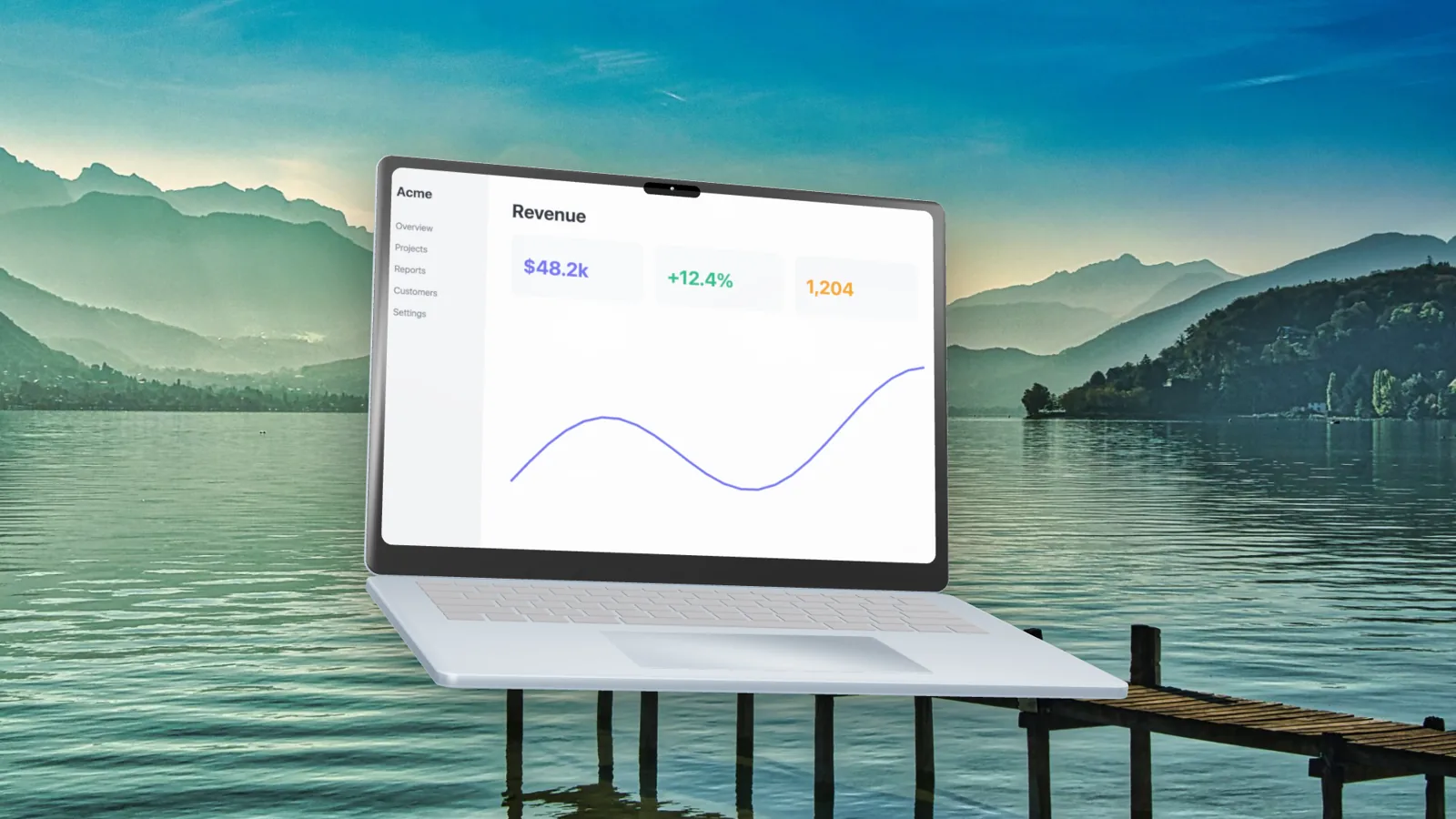
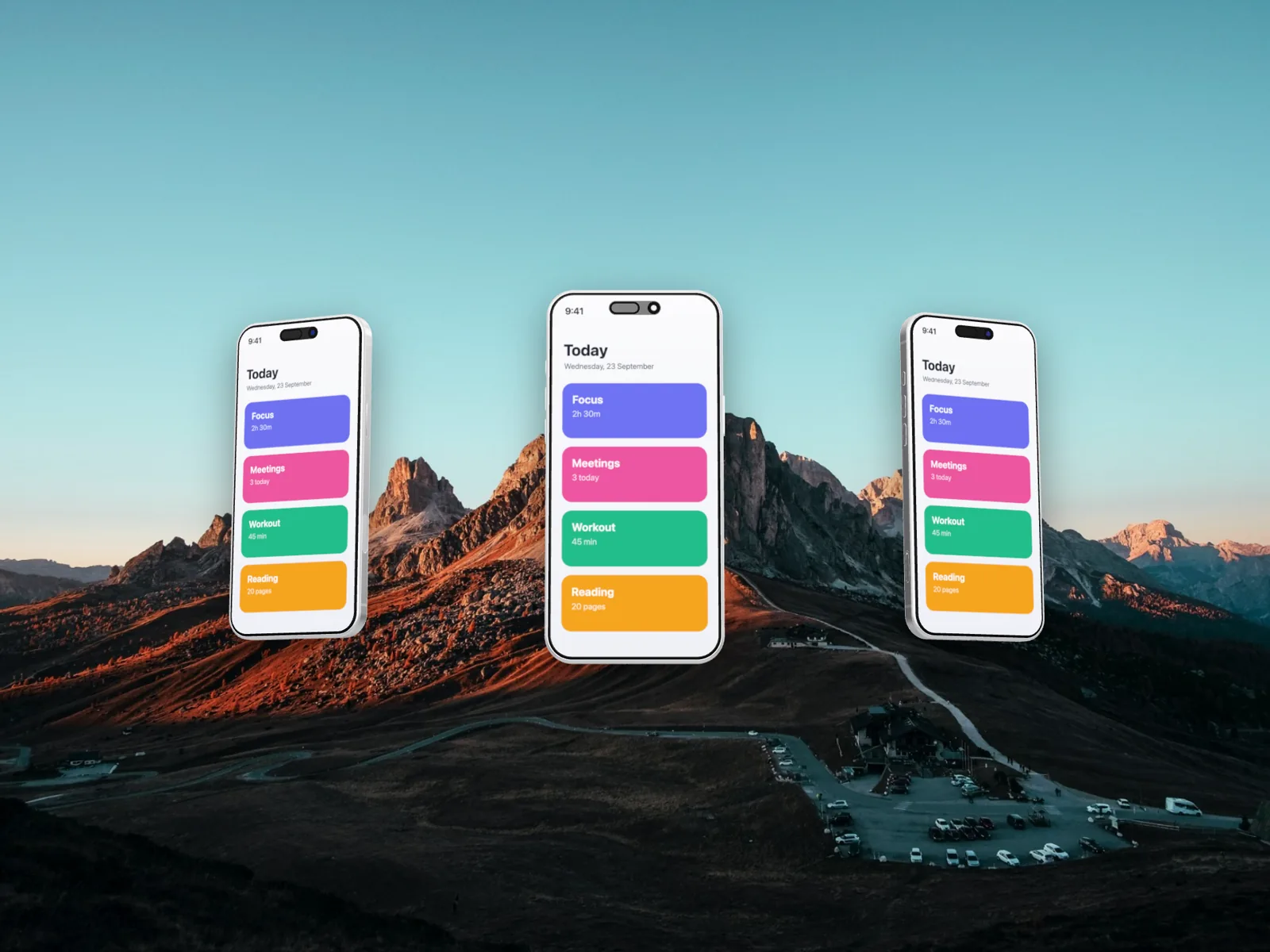
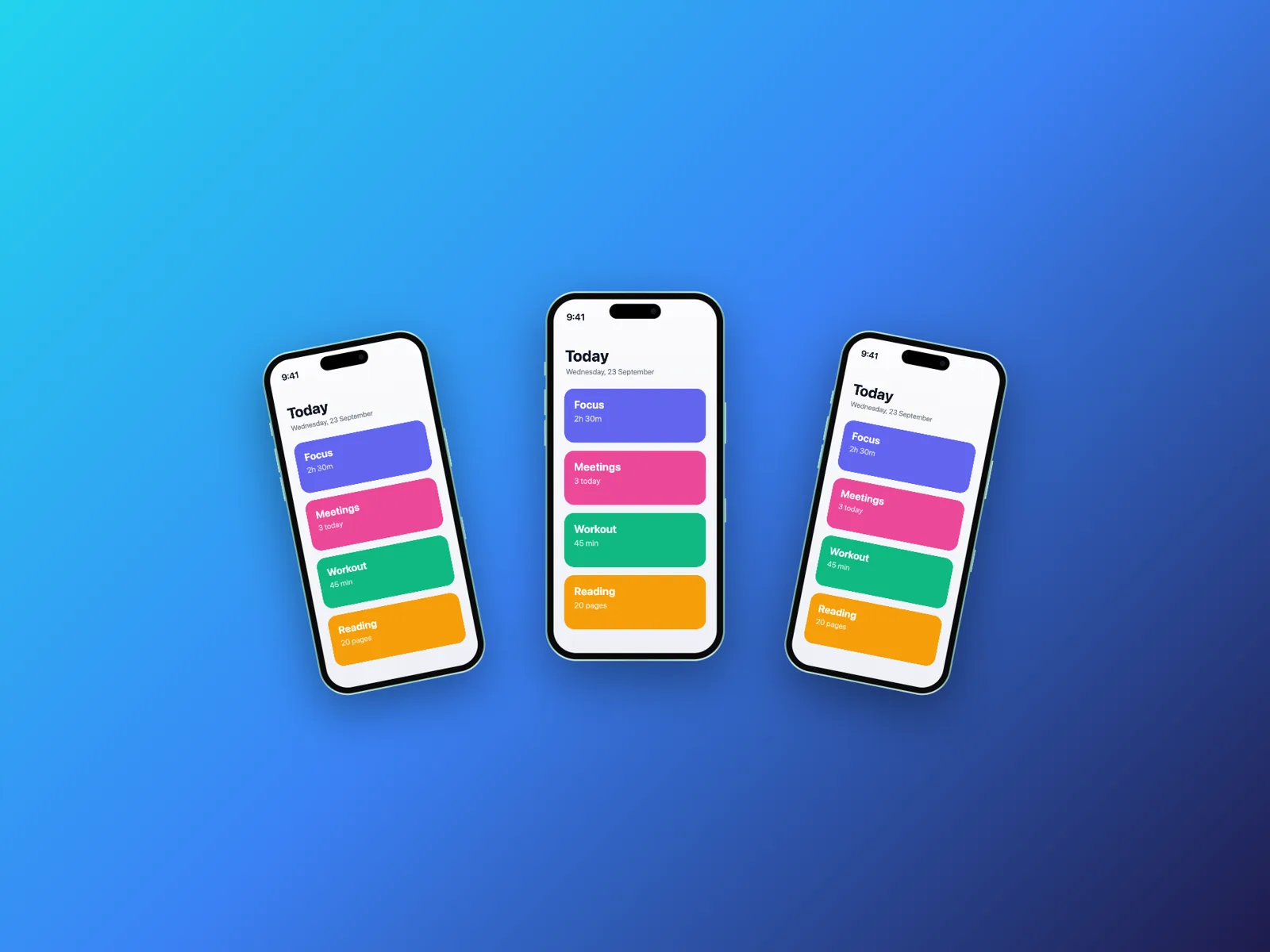
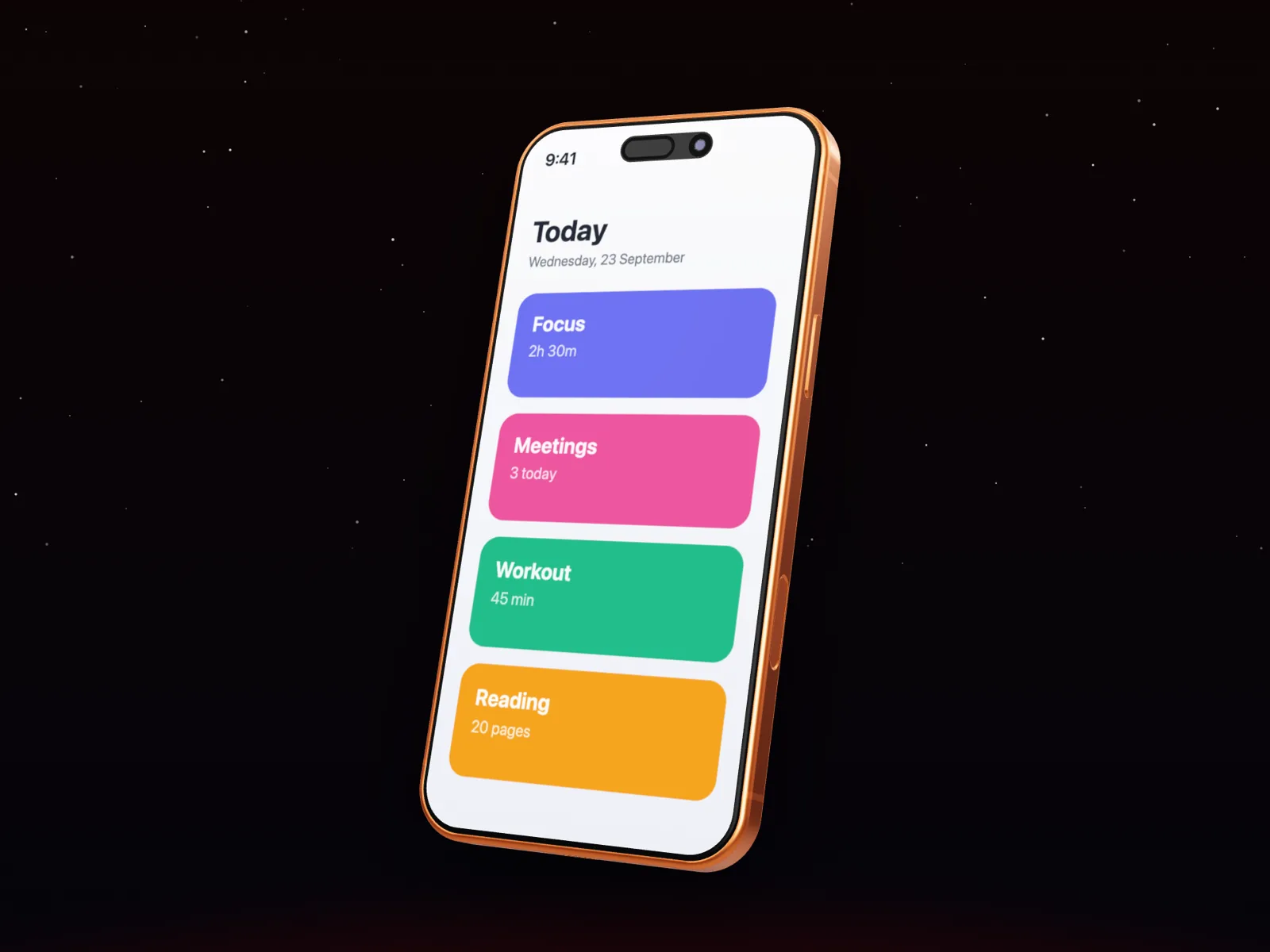
Every image here was exported from the editor, using its own templates and backgrounds.
Devices
- Essentials
- Screenshot, Browser
- iPhone 17 Lineup
- iPhone 17, iPhone 17 Air, iPhone 17 Pro, iPhone 17 Pro Max
- iPhone 16 Lineup
- iPhone 16, iPhone 16 Plus, iPhone 16 Pro, iPhone 16 Pro Max
- Android
- Pixel Pro, Galaxy Ultra
- iPad
- iPad Pro 13″, iPad Pro 11″, iPad Air 11″, iPad mini
- MacBook
- MacBook Pro 14″, MacBook Pro 16″, MacBook Air 13″, MacBook Air 15″
- Desktop
- iMac 24″, Studio Display
- Watch
- Watch Ultra, Watch Series
Export formats
- PNG, JPEG, WebP
- Images up to 6K (3× the frame), with transparent backgrounds in PNG and WebP.
- MP4
- H.264 video at 30 or 60 fps, up to 4K, with AAC audio. Plays everywhere.
- WebM
- VP9 video with Opus audio: smaller files for the web.
- GIF
- Looping animation at 15 fps, 480 to 960 px wide, transparent backgrounds kept.
Questions
Is Shotframe free?
Yes. Every feature, device, template and export format is free, with no watermark and no account.
Are my screenshots uploaded anywhere?
No. Shotframe runs entirely in your browser. Your images, recordings and drafts are stored on your own device and never sent to a server.
Which devices can I use?
iPhone 17, 17 Air, 17 Pro and 17 Pro Max, iPhone 16, 16 Plus, 16 Pro and 16 Pro Max, iPad Pro 13″ and 11″, iPad Air, iPad mini, MacBook Pro 14″ and 16″, MacBook Air 13″ and 15″, iMac, Studio Display, Apple Watch Ultra and Series, Android phones, browser windows and a plain screenshot frame.
Can I make videos, not just images?
Yes. Animate the camera on a timeline, show several screens in a row, add animated text and music, and export MP4, WebM or GIF at up to 60 fps.
Can I show more than one screenshot in a video?
Yes. Use the Screen button on the timeline to add the next screen; each change can slide, scroll, fade, zoom or cut.
Does it work on my phone?
Yes, the editor adapts to small screens. Video export needs a browser with WebCodecs: Chrome, Edge, Safari 16.4 or later, or Firefox 130 or later.
Is Shotframe affiliated with Apple?
No. Shotframe is independent; product names only describe which device a frame shows.
Make your first mockup in a minute
Paste a screenshot, pick a device, export. No account needed.
Open the editor